
Moss Image AI Image Generator
Type a prompt and Moss Image renders a sharp picture, with clean English and Chinese text when you ask for it. Run the open MOSS-Image model free in your browser.
Moss Image AI Image Generator
Moss Image Prompt Inspiration Gallery
Mood references for your next prompt, from soft daylight to neon night scenes.
Moss Image prompt idea - flower field depth
Layered depth and natural light, a good brief for a wide landscape prompt.
Prompt idea - fashion portrait
Soft studio light on face and fabric, the detail the moss model is built to keep.
Prompt idea - ocean light
Water, reflection and colour, a useful test of how the model handles light.
Prompt idea - road trip scene
A wide cinematic frame to borrow when you want atmosphere and perspective.
Prompt idea - runway walk
Full-body pose and wardrobe, a strong reference for fashion prompts.
Prompt idea - rain and neon
High-contrast night light, perfect for a moody poster with bilingual text.
What Is Moss Image
Moss Image is an open text-to-image model from the OpenMOSS team, the research group behind the MOSS language models. It is a 5B-parameter diffusion transformer that reads prompts through a Qwen3.5 text encoder and decodes pixels with the FLUX.2 VAE. This site puts the moss model in a browser tab, so you can test prompts without a GPU, a Docker image or a local install.
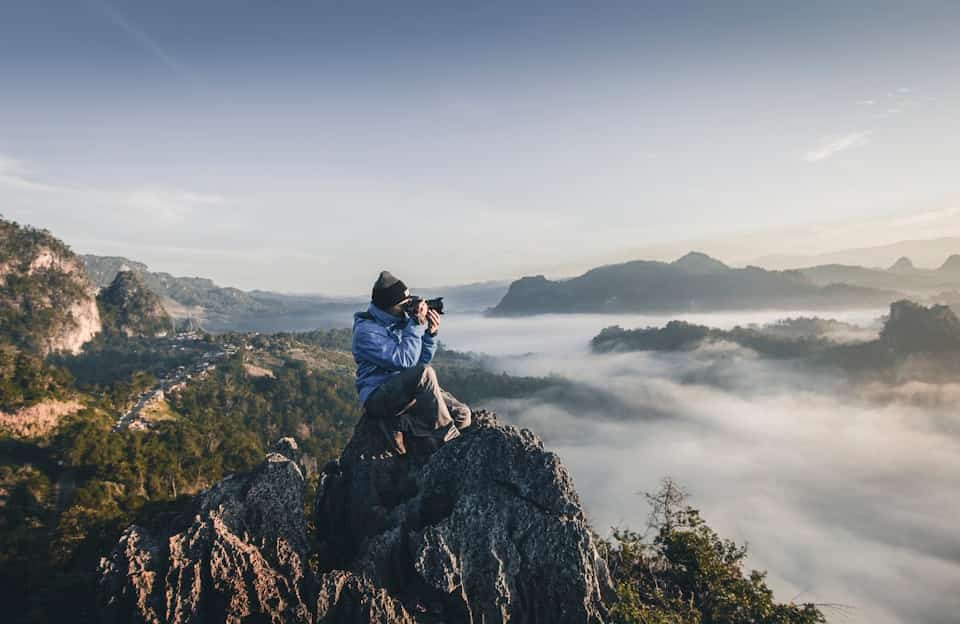
Moss Image text to image
Describe the subject, light and framing in plain English, and the model turns that sentence into a finished picture.
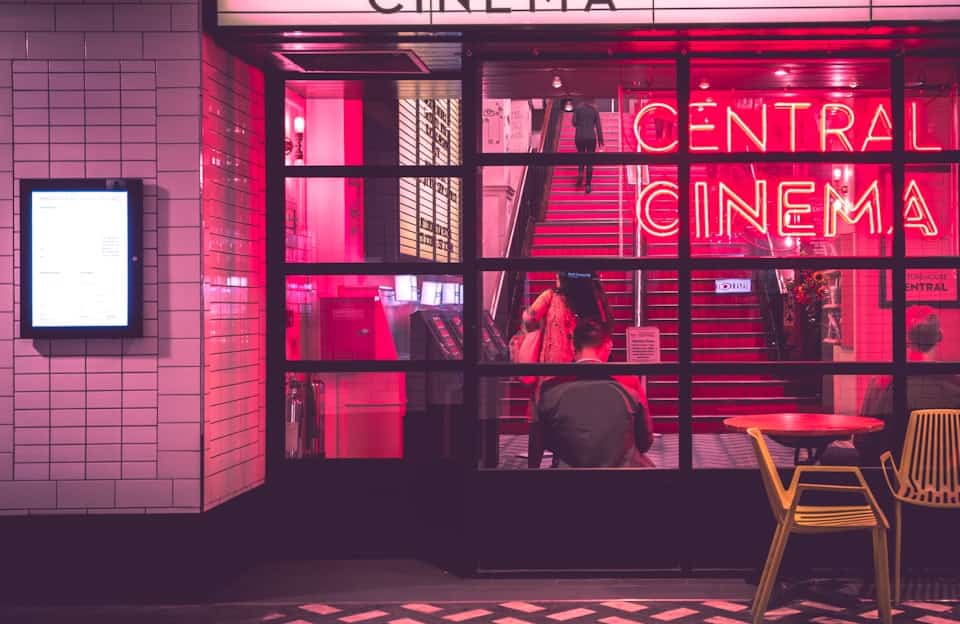
Readable text inside the picture
Moss AI renders English and Chinese lettering inside the frame, which makes posters, covers and title cards far less painful.

Layouts written as JSON
Pass a structured JSON prompt and the moss model places each element where you asked, instead of guessing the layout.

Moss Image Base for custom work
Moss Image Base ships without post-training or CFG distillation, so it is the checkpoint to pick for LoRA and fine-tuning work.
Moss Image Model Features
Everything below comes from the published model recipe, not from marketing guesses. You can check each one yourself with a single prompt in the generator above.
A light 5B diffusion transformer
The model packs its quality into 5B parameters, small enough to deploy on a single GPU.
Qwen3.5 reads your prompt
A Qwen3.5 text encoder lets the moss model follow long, detailed prompts with several subjects.
FLUX.2 VAE for fine detail
Pixels decode through the FLUX.2 VAE, so skin, fabric and small type keep their edges.
English and Chinese text rendering
Ask for a headline, a label or a sign, and Moss AI draws legible letters in either language.
Base and SFT checkpoints
Moss Image Base suits fine-tuning, while MOSS-Image-SFT is instruction-tuned for good pictures straight away.
A repeatable Moss Image workflow
Fifty or more steps, guidance between 3.0 and 6.0 and an Euler sampler give results you can reproduce.
How to Use Moss Image in Three Steps
The whole Moss Image workflow fits on one screen, with no node graph, no checkpoint download and no setup to learn.
Write a prompt or a JSON layout
Describe the picture in a sentence, or paste a JSON layout when you need each element placed exactly.
Pick the size and the model
Choose an aspect ratio, keep Image selected in the dropdown, and leave the moss model as the default.
Generate, refine and download
Your picture comes back in seconds; edit the prompt, render again, then download the keeper.
What Creators Say About Moss Image
Notes from designers, marketers and developers using it for posters, product shots and concept art.

Jordan Vance
“Moss Image got the headline on my event poster right on the first render, spelling included.”

Linda Wu
“I describe a product shot in two lines and get back a clean studio frame.”

Chen Wei
“The JSON layout prompt finally put my characters where the storyboard said.”

Sarah Jenkins
“Bilingual banners used to take me an hour; with Moss AI the Chinese text just comes out readable.”

David Park
“I prototype LoRA ideas on the Moss Image Base checkpoint because nothing is baked in yet.”

Emma Zhang
“Moss AI turns my rough listing notes into hero images that match the rest of the store.”
Moss Image Pricing
Moss Image Pricing
Starter
What's included
- 10,000 Credits / year
- Native 2K Video Generation (2560x1440, 24fps)
- Synced Stereo Audio Included
- 2 Concurrent Generations
- Private Generation
- No Watermark
- Priority Processing Queue
- Priority Support
- Commercial License
Pro
What's included
- 35,000 Credits / year
- Native 2K Video Generation (2560x1440, 24fps)
- Synced Stereo Audio Included
- 4 Concurrent Generations
- Private Generation
- No Watermark
- Priority Processing Queue
- Priority Support
- Commercial License
Unlimited
What's included
- 120,000 Credits / year
- Native 2K Video Generation (2560x1440, 24fps)
- Synced Stereo Audio Included
- 8 Concurrent Generations
- Private Generation
- No Watermark
- Priority Processing Queue
- Priority Support
- Commercial License
Moss Image FAQ
Short answers about the model, its checkpoints, its settings and what this site can do.
What is Moss Image?
Moss Image, also written MOSS-Image, is an open text-to-image model from the OpenMOSS team. It is a 5B-parameter diffusion transformer with a Qwen3.5 text encoder and a FLUX.2 VAE, and this site runs it in your browser.
Who made the Moss Image model, and is this the official site?
The model is published by OpenMOSS-Team, the group behind the MOSS language models. This is an independent site that is not affiliated with OpenMOSS; we host a browser front end so you can try the model without your own hardware.
What is the difference between Moss Image Base and MOSS-Image-SFT?
Moss Image Base is the raw checkpoint with no post-training and no CFG distillation, which makes it the right starting point for LoRA and fine-tuning. MOSS-Image-SFT is instruction-tuned, so it gives polished pictures with less prompt work.
Can Moss AI put readable text inside an image?
Yes. Moss AI is trained for English and Chinese text rendering, so headlines, labels and signs come out legible. Keep the exact words in quotation marks in your prompt to get the cleanest lettering.
What is a JSON layout prompt in Moss Image?
Instead of one sentence, you describe the picture as structured JSON, listing each element with its position, style and text. The model then follows that layout, which helps with posters, covers and multi-panel designs.
Which settings work best in a Moss Image workflow?
The published recipe recommends at least 50 sampling steps, a guidance scale of 3.0 by default with a useful range of 3.0 to 6.0, a flow shift of 5.0 and the Euler sampler. The generator here applies sensible defaults so you do not have to tune them.
Can I do a Moss Image edit on an existing picture?
The released model is text-to-image. On this site, a Moss Image edit means adjusting the prompt or the JSON layout and rendering again, which is usually the quickest way to change one detail while keeping the rest.
Do I need a GPU to run Moss Image?
Not here. Running the moss model yourself takes a GPU and a vLLM-Omni setup, but this page handles the hardware, so a browser and a free account are enough to start.
Is Moss Image free to try?
Yes. New accounts get free credits at sign-up with no card required, which is enough to test several prompts. Larger batches and commercial work are covered on the pricing page.
Can I use Moss Image pictures commercially?
Paid plans on this site cover commercial use of the pictures you generate. Check the official OpenMOSS licence for the model weights before you self-host or redistribute the model itself.
Try the Free Moss Image AI Image Generator
Write one prompt and see what the moss model makes of it. Free credits on sign-up, no card needed.